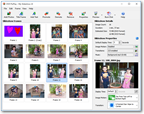
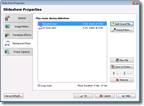
The main window allows you to review your entire slideshow and easily rearrange and edit the photos and videos that it contains (photos are displayed here in "Film Strip" mode. Thumbnails and filenames are also available)
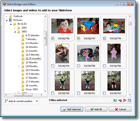
Use the thumbnail browser to select photos and videos for inclusion in your slideshow. You can also retrieve photos and videos directly from your camera
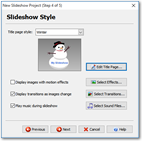
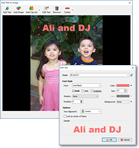
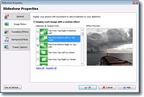
Add excitement to your slideshow with more than 40 image motion and text animation effects (that make a static photo appear to be moving) and 180 transition effects (that display while one image flips to the next)
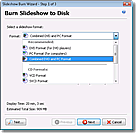
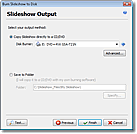
DVD PixPlay allows you to create DVD (or VCD, SVCD and XVCD) disks for playback in DVD players, auto-playing disks for playback on computers, combined PC and DVD player disks or MPEG, MP4, WMV and AVI video files (including YouTube files)
Burning multiple slideshows to disk is easy too with automatic menu creation using a wide selection of style templates. Or build your own menu using the powerful DVD Menu Editor
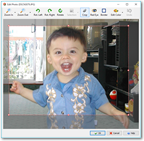
Enhance your photos with powerful editing features, including auto-cropping and red eye removal. DVD PixPlay will even automatically rotate photos retrieved from your camera