|
 |
|
| Smart Pix Manager |
| Photo and Multimedia Management Software |
| Windows 11 - 10 - 8 - 7 - Vista |
| $49.50 usd |
|
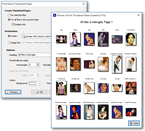
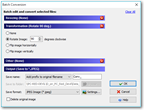
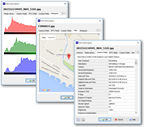
Click thumbnail to display the image full size
| Powerful Searching |
 |
| Search files in your multimedia collection by keywords, descriptions or content |
| Folder Browsing |
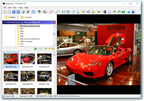 |
| Rapidly browse multimedia and other files on your computer, CD's, DVD's and camera cards |
| Favorite File Lists |
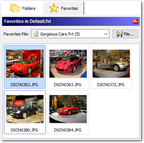 |
| Add files to a favorites list for quick access. Save categorized favorites lists for instant retrieval |
| View All File Types |
 |
| Support for all common image, video (shown here), sound, HTML, Office and other formats |
| Five File Display Modes |
 |
| Five different file display modes with numerous options such as thumbnail size, sort order and grouping |
| Multi-Shows and Slide Shows |
 |
| Display your files in a slideshow with music and motion and transition effects, either with multiple images (shown here) or one at a time |
| Adding Search Keywords |
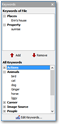 |
| Rapidly assign keywords by selecting the file(s), choosing the keyword(s) and clicking "Add" or "Remove" on the Keyword toolbar |
| Automatic Keywords |
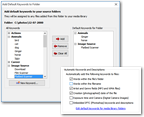 |
| Instantly build a searchable keyword database by automatic generation of file keywords from file and folder names, file content and other rules |
| MP3 and WMA Support |
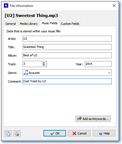 |
| View and edit the music tags embedded in MP3 and WMA files, such as artist, song title and musical genre. Use the tags to batch rename your music files or automatically add them as keywords for rapid categorization and searching of your collection |
| Duplicate File Removal |
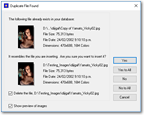 |
| Smart Pix will monitor your files and warn you when it detects a duplicate of a file that exists elsewhere on your computer |
| |