Download Help

1.  To commence downloading, click one of the links beside the disk graphic.  It may take 10-20 seconds to reach the download site then you will see a download dialog.  Click 'OK' to start downloading.
   
2.  Choose a location for saving the installation file on your disk.  You will need to remember the directory that you chose so that once the download has completed you can run the install file.

Note: This is the set up file, not the program itself, so do NOT save it to the program folder under C:\Program Files
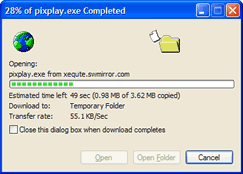
   
3.  Wait for the file to be completely downloaded. 

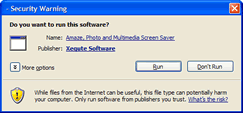
Click on 'Open' or go to the directory that you chose and double-click the file that you downloaded to start installation of the software. 
If you experience problems, please e-mail Support.